
BRING YOUR OWN AI PROVIDER
Product Image Studiowith AI
Create, compare, refine, approve, and apply product images inside WordPress while keeping direct control of the AI provider account behind the workflow.
WHY BYOK
Control the provider. Keep the workflow in WordPress.
Use your own supported provider account while easy2plugin organizes the product-image workflow around review and approval.
01
Provider control
Own the provider account, credentials, billing, quotas, and provider relationship.
02
Plan flexibility
Choose Free, Standard, or Premium according to the workflow depth your team needs.
03
Review before apply
Compare every candidate with the original before it is approved or applied.
WORDPRESS WORKFLOW
A clear path from source image to approved result.
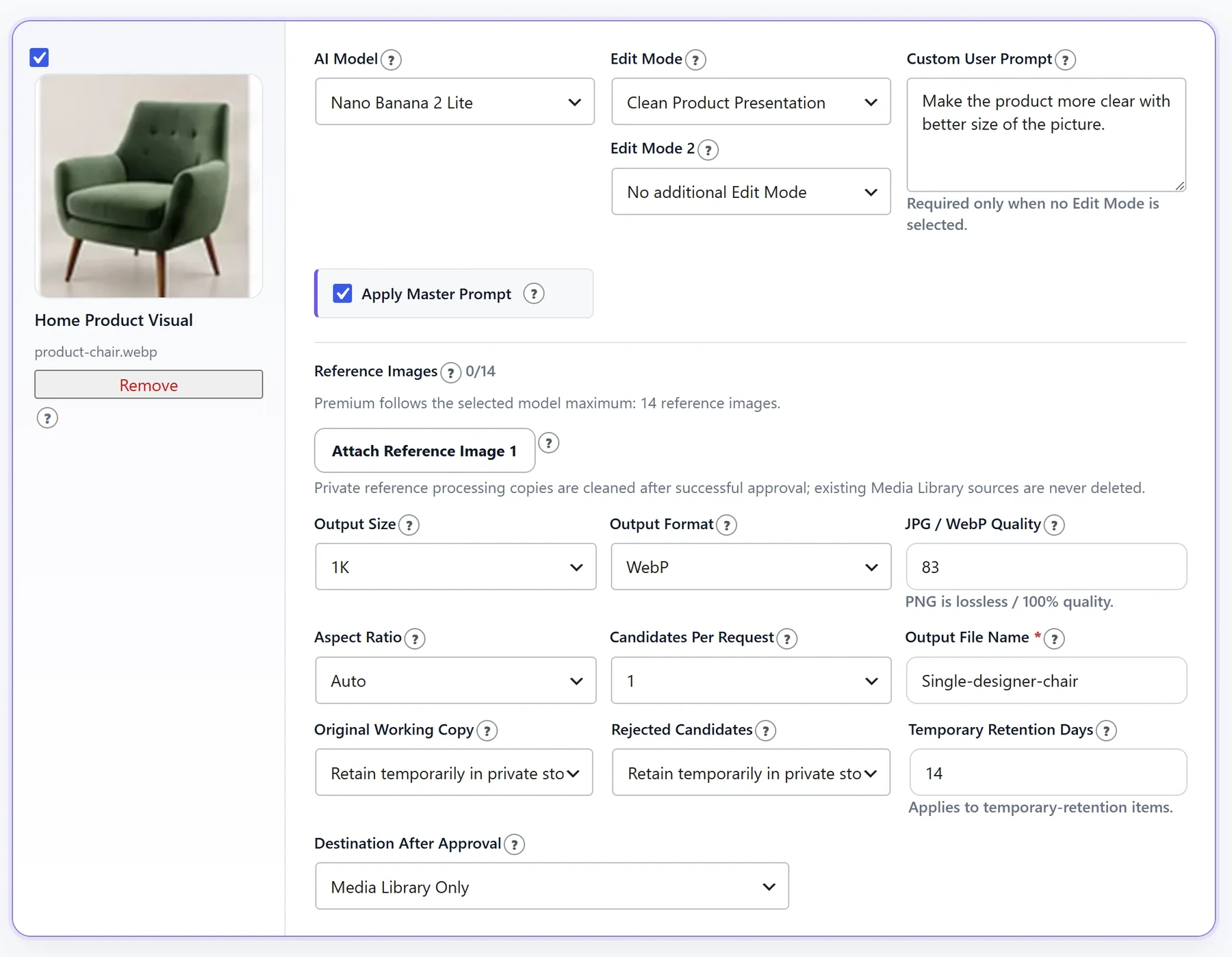
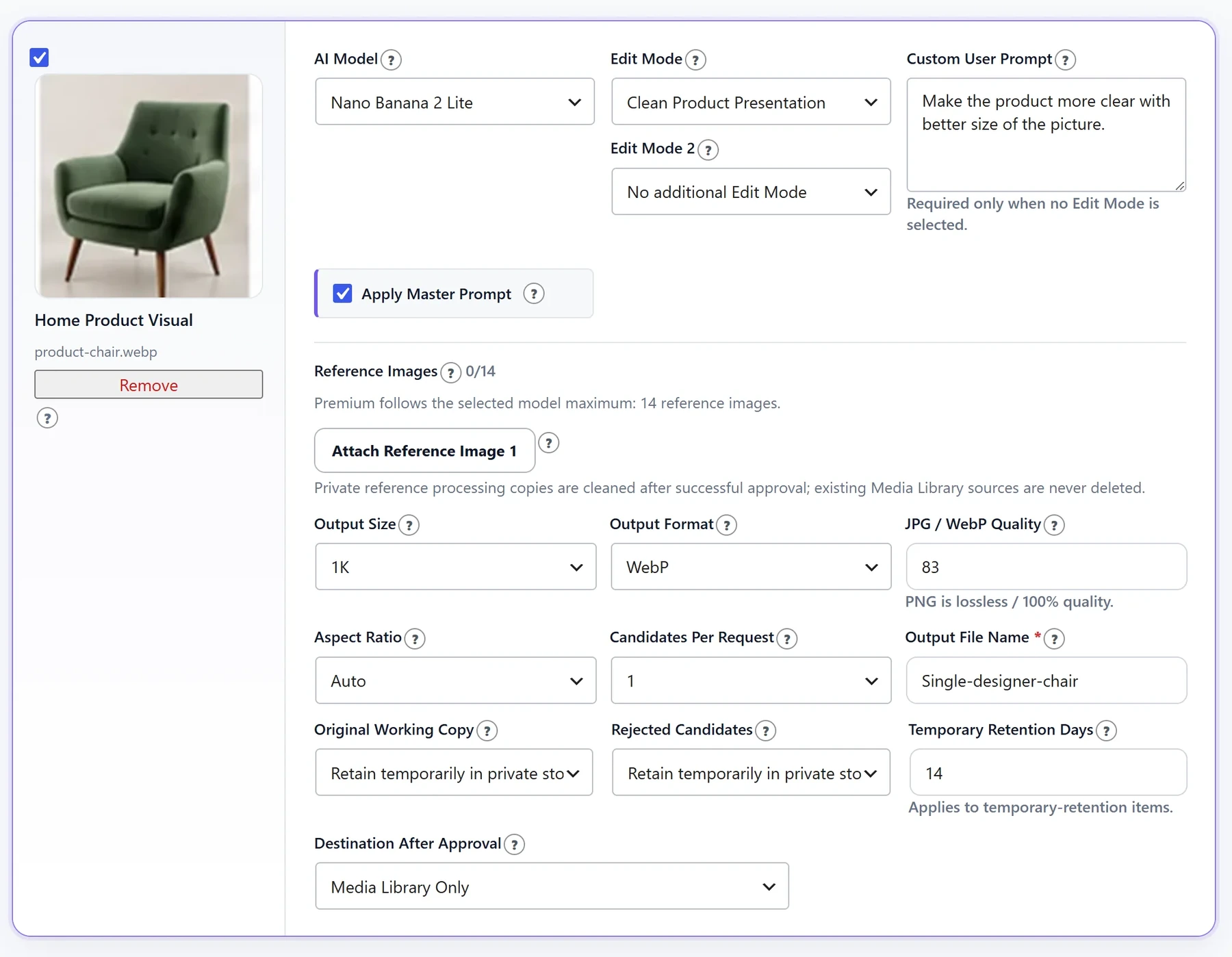
Keep the decision point where your product media is already managed. Generate candidates, inspect details, re-edit when supported, and approve only the result that matches the real product.
- Single-image and supported bulk workflows
- Job-linked candidate numbering
- Re-edit, approve, apply, and Media Library actions
- Plan-specific access and retention controls
THREE SOFTWARE PLANS
Start focused. Expand when the workflow requires it.
Free
Focused core workflow with one Edit Mode, 650px output, and one candidate.
Standard
Broader editing controls, custom prompts, re-editing, and up to two candidates.
Premium
The most complete candidate, reference, bulk, re-editing, and retention workflow.
BYOK FAQ
Before you connect a provider.
What does BYOK mean?
Bring Your Own Key means your organization connects a supported AI provider account and pays that provider directly for usage.
Does the easy2plugin licence include provider usage?
No. The software plan and the external AI provider account are billed separately.
Which plan should I choose?
Free is designed for a focused single-candidate workflow. Standard adds broader editing controls, while Premium supports the most complete candidate, reference, bulk, re-editing, and retention workflow.
Are generated images published automatically?
No. Candidates remain reviewable so an authorized user can compare them with the original before approval and application.
Can Shop Managers use the workflow?
Role access depends on the active plan and the administrator’s role-access configuration.
Where can I review external-service handling?
The External Services page explains when images, prompts, settings, and technical request data may be sent to a selected provider.
Choose the workflow depth that fits your team.
Review the unified plans page instead of navigating through separate product and plan menus.